Start by listening to the pattern
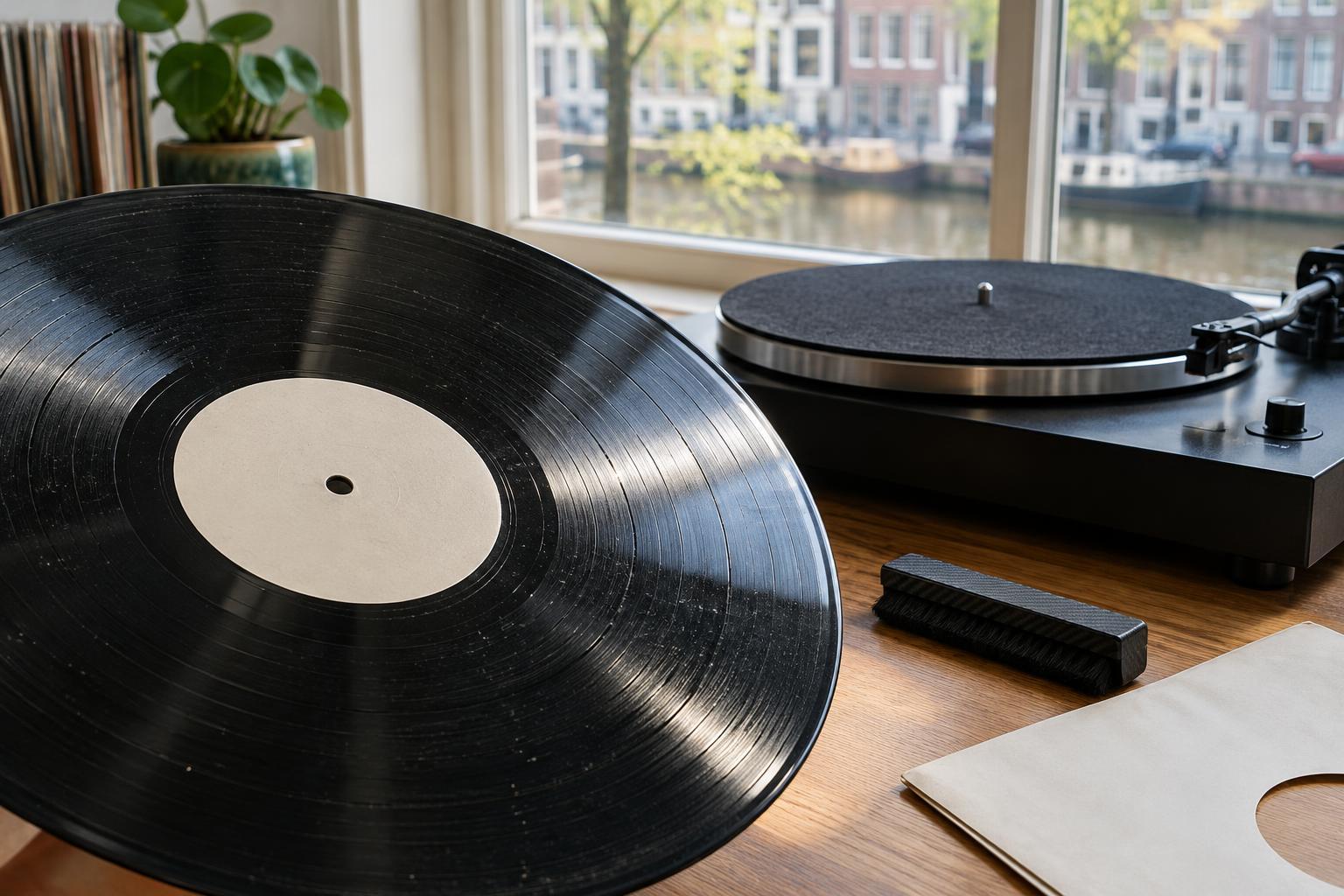
Surface noise is a useful clue, but it is not a diagnosis on its own. A single loud pop, a low wash of crackle and a tick that returns with every revolution can have different causes. Before reaching for a cleaning brush, note whether the sound appears across the whole side, in one passage or at a particular point in each rotation. Try the same passage again at a moderate volume to see whether the noise repeats.
A few isolated ticks may come from particles sitting in the groove. A more continuous, irregular crackle can also suggest contamination, though static or wear may sound similar. A tick that repeats at the same point is worth inspecting closely: it could be a stubborn speck, a scratch or another physical defect. Listening gives you a place to start, not a reason to scrub harder.
Look for dirt before assuming damage
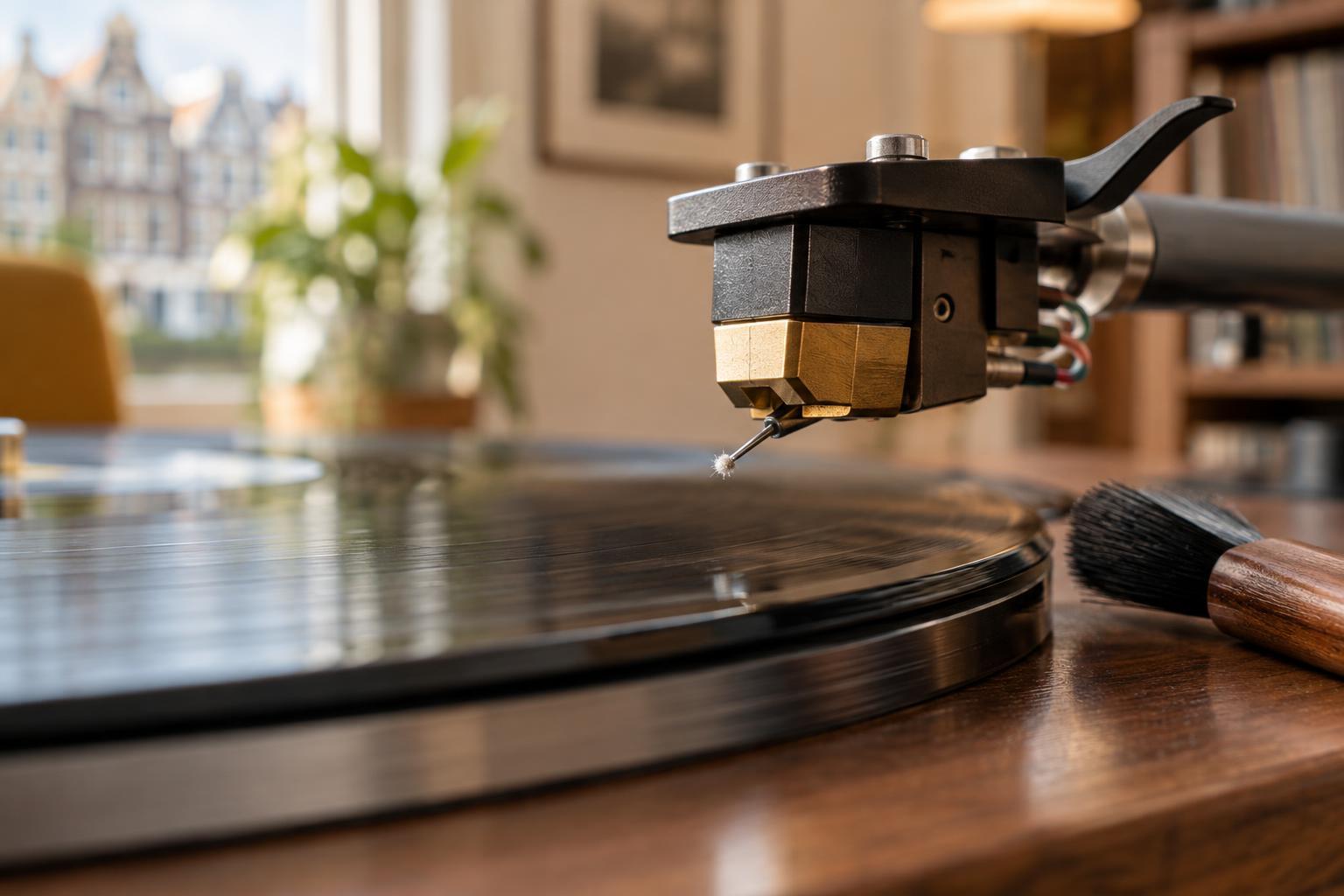
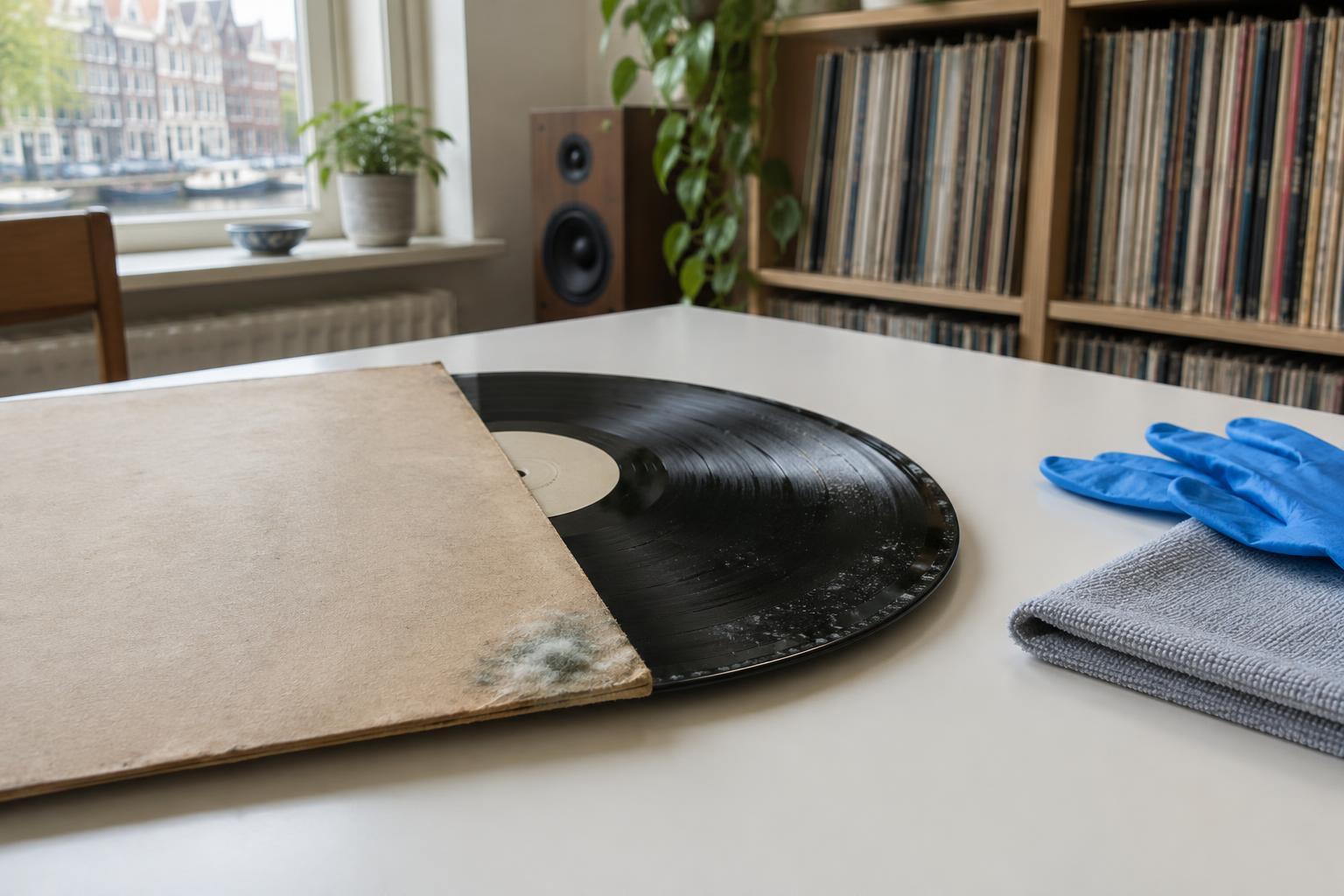
Handle the record by its edge and label, then tilt it under a steady light. Loose dust, lint and fingerprints are often visible. A particle lodged in a groove may be harder to spot, so an apparently clean surface can still be noisy. Check that the stylus is clean as well: debris on its tip can affect playback and make more than one record sound rough.
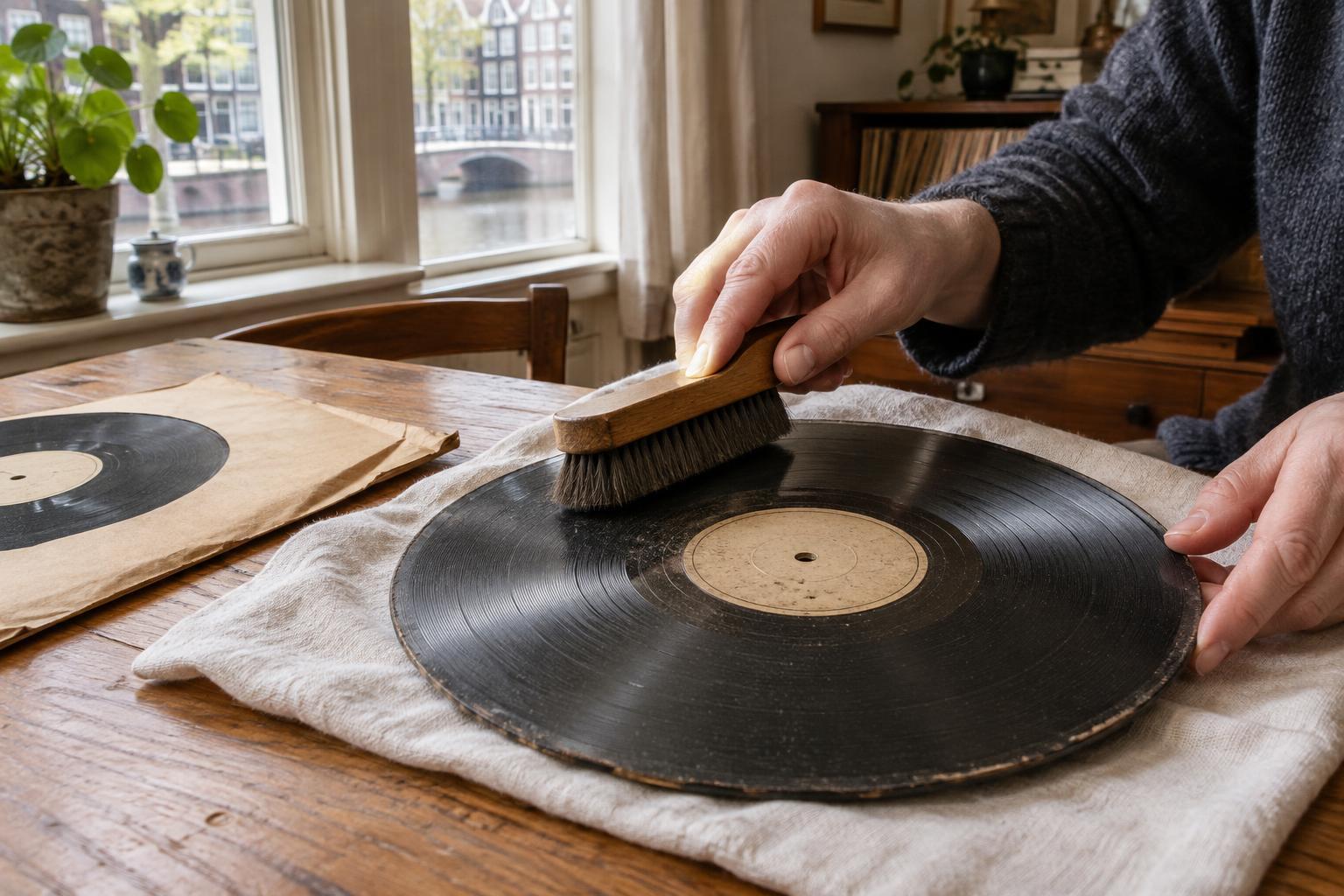
For loose dust, a clean record brush used gently according to its instructions is a reasonable first step. If noise persists and the record appears dirty, a cleaning method and solution intended for vinyl may help remove material a dry brush cannot reach. Keep liquid away from the label and allow the record to dry fully before playback or sleeving it. Avoid household cleaners, abrasive cloths and forceful rubbing; none is a reliable shortcut to a quiet groove.
Play the same passage after cleaning. If a tick disappears or changes, debris was a plausible cause. If it remains in precisely the same place, cleaning may have reached its limit. A mark that looks like dirt from one angle may turn out to be a scratch when viewed from another.
Recognise the clues that point to static
Static can attract airborne dust and may produce sharp, irregular pops during playback. It can also reveal itself when a record clings to its inner sleeve or lifts light debris as you remove it. These clues are more useful together than any particular sound: static and embedded dirt can both produce crackle, and a record may have both problems at once.
If a record seems staticky, avoid rubbing it with a dry cloth, which can make the problem worse. A suitable antistatic brush or careful wet cleaning may help, depending on the record and the method used. Once the disc is clean and dry, place it in a clean antistatic inner sleeve rather than returning it to a dusty or torn one. Maintaining a comfortable, not excessively dry listening environment may also make static less troublesome. If the noise remains fixed in one passage after these steps, look beyond static.
Know when noise may be permanent
A visible scratch crossing the grooves can cause a recurring click, while groove wear may produce distortion that is especially noticeable on demanding passages. Wear does not always announce itself as an obvious line on the surface. If a record still sounds rough in the same places after sensible cleaning, physical damage is one possibility. Cleaning can remove contamination, but it cannot rebuild a damaged groove.
Before reaching that conclusion, consider the playback setup. A dirty or worn stylus, unsuitable tracking settings or a cartridge that is not aligned well can add distortion or make records sound noisier. If several otherwise clean records suddenly sound alike, check the turntable and stylus using the manufacturer's guidance. If only one record has the problem, that record is a more likely source, though the distinction is not absolute. Some flaws may also originate in the pressing rather than from later handling.
Use a gentle process of elimination
Work from the easiest reversible checks to the harder conclusions: listen for a repeatable pattern, inspect the surface and stylus, remove loose dust, and clean the record appropriately if needed. Let it dry, then replay the same short passage at a sensible volume. Compare it with another record if you suspect the turntable. Change one thing at a time so you can tell what helped.
Not every used record will play silently, and a little surface noise need not spoil the music. The aim is to identify what you can safely improve and recognise what you cannot. Careful handling, clean sleeves and a maintained stylus will help keep a record's condition from becoming another source of noise.