What a protractor helps you adjust
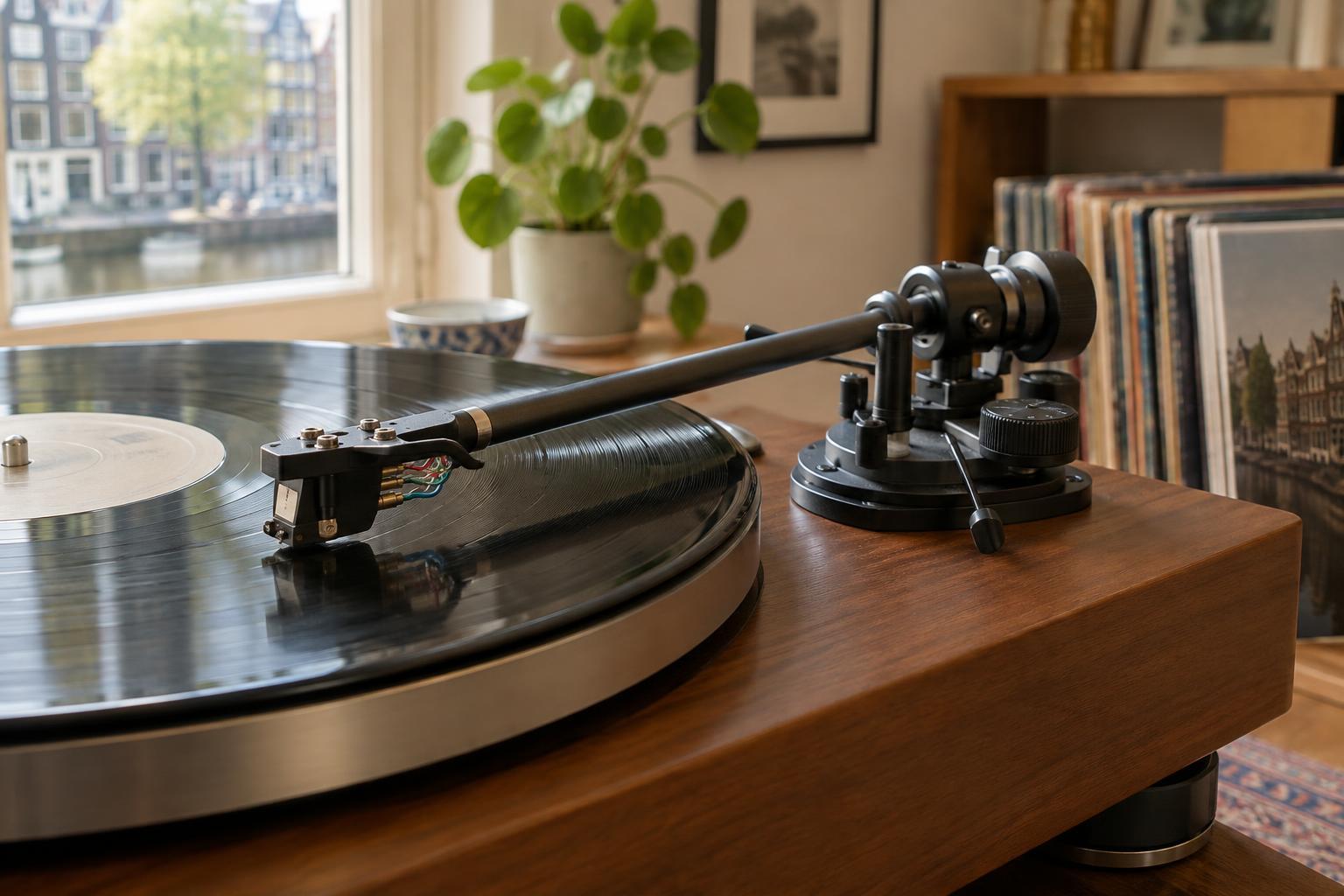
A pivoting tonearm carries the stylus across a record in an arc. Cartridge alignment sets the cartridge’s position and angle in the headshell so the stylus follows the groove as accurately as the arm allows. A protractor provides marked positions—often called null points—where you can check that angle. Careful alignment can help reduce distortion, particularly if vocals or bright instruments sound rough toward the inner grooves.
A common two-point protractor works with many turntables that have slotted headshell mounting holes. It is not universal: some arms use a fixed cartridge position, a dedicated alignment gauge or a protractor matched to their geometry. If your turntable or tonearm has specific setup instructions, use those first. Keep the same protractor throughout the job rather than trying to satisfy markings from different alignment systems at once.
Prepare the turntable and your workspace
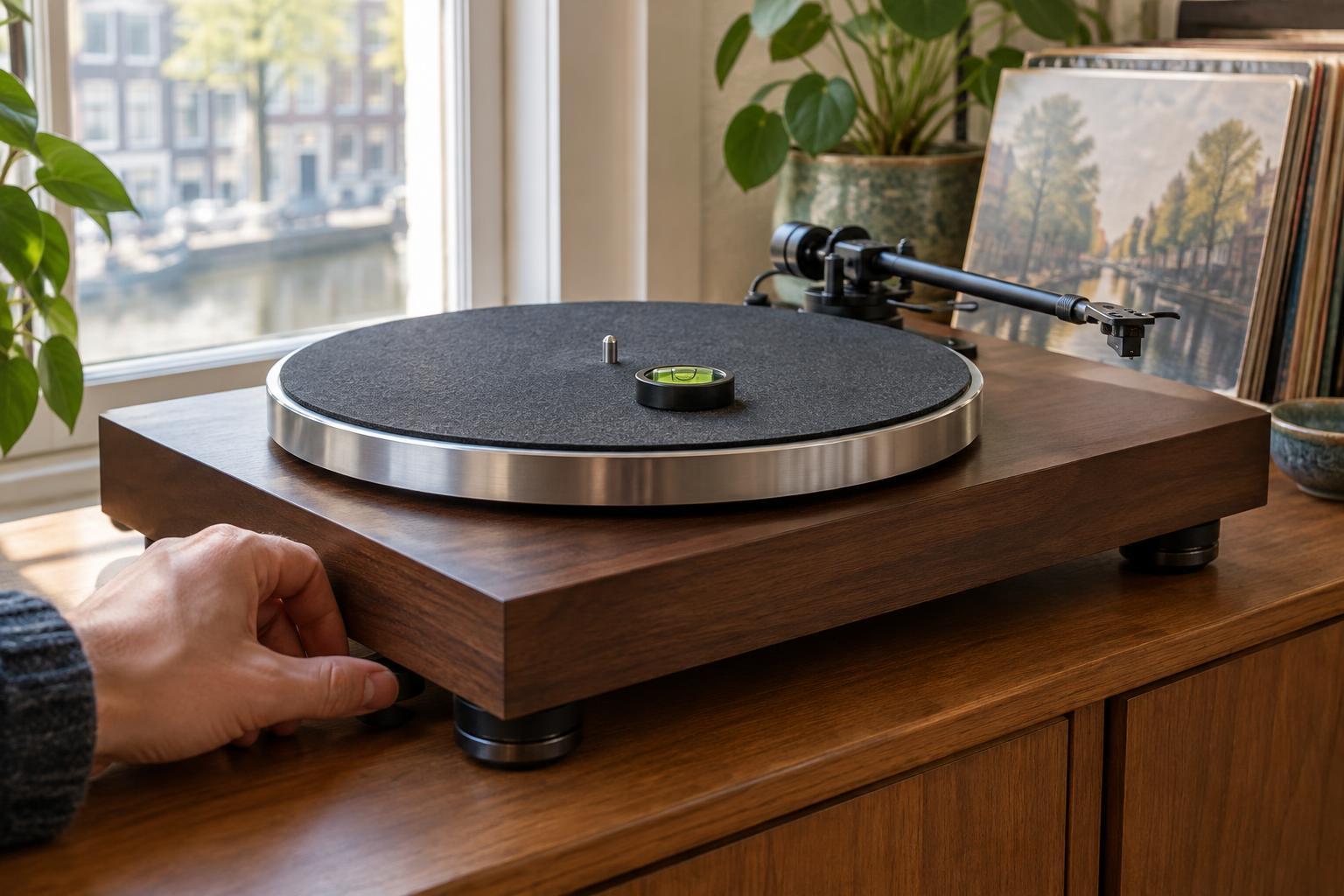
Switch off the turntable and secure the platter so it cannot turn unexpectedly. Place the turntable on a stable, level surface with good light. You will need a printed or purchased protractor, the appropriate screwdriver or hex key for the cartridge screws, and patience. If printing a protractor, check its scale against any printed ruler or measurement mark; a page resized by a printer is not a reliable guide.
Set the cartridge’s tracking force according to its manufacturer’s recommended range before checking alignment, and follow your tonearm instructions for anti-skate. These settings do not replace alignment, but a properly balanced arm is easier to handle. Remove the stylus guard only when you are ready to make a check, and keep your hands clear of the cantilever. Never push the cartridge down onto the protractor.
Loosen the cartridge mounting screws just enough that the body can slide and rotate with gentle pressure. It should not wobble freely. If the screws are difficult to reach, do the adjustment with the stylus guarded, then uncover it for each check. Small movements are easier to control than a loose cartridge that shifts every time you lift the arm.
Check the first point, then the second
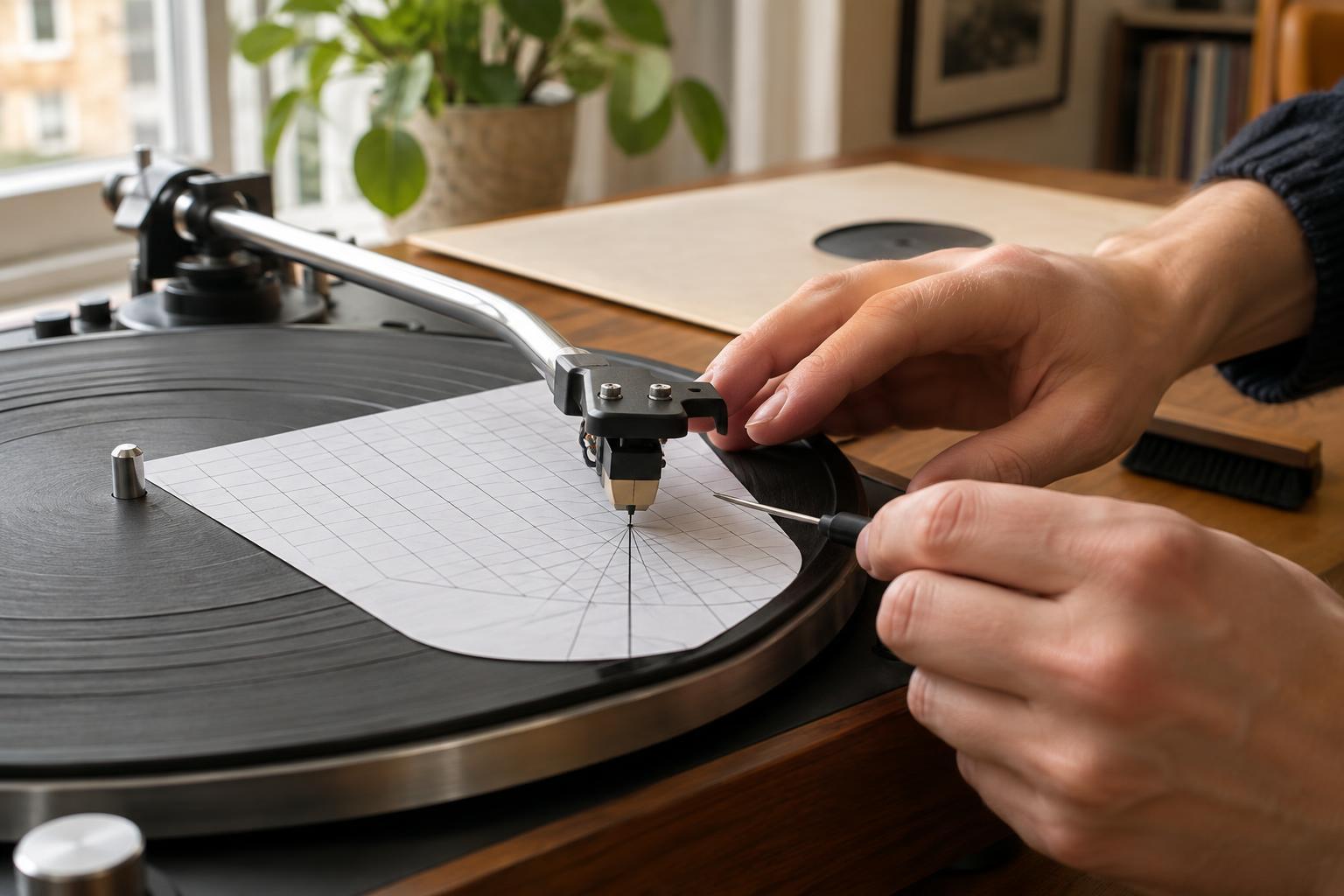
Fit the protractor over the platter spindle and make sure it lies flat. With the platter stationary, gently cue the stylus onto the crosshair at one marked point. Look straight down to check that the stylus tip—not the front of the cartridge body—rests on the crosshair. Then view the printed grid from directly in front of the cartridge. The cantilever, the tiny arm holding the stylus, should appear parallel to the grid’s reference lines.
Lift the stylus before making an adjustment. Slide the cartridge forward or backward in the headshell slots to change its reach, and rotate it slightly to change its angle. Lower the stylus again and recheck. Next, move to the second marked point. On some protractors you will rotate the paper around the spindle to bring that point beneath the stylus; follow the instructions supplied with yours.
Expect to go back and forth. A change that looks right at one point can reveal an error at the other. Aim for the stylus tip to land on each crosshair with the cantilever parallel to the corresponding grid. If you cannot achieve both, confirm that the protractor is printed to scale and suitable for your arm, and that you are reading the cantilever without viewing it at an angle.
Tighten, verify and listen
Once both checks agree, lift the arm and tighten the mounting screws evenly. They should hold the cartridge securely without excessive force. Tightening can move it slightly, so repeat both protractor checks afterward. Restore the stylus guard if you need to handle the turntable again, and confirm that tracking force and anti-skate remain at their intended settings.
Play a clean, familiar record at a normal listening level. Listen for obvious mistracking or distortion, but do not assume alignment is the only possible cause of a problem: a worn or dirty stylus, damaged record, incorrect tracking force or other setup issue may also be involved. The goal is a repeatable physical check, not an endless search for a perfect-sounding adjustment. Once the stylus meets both grids and the screws are secure, you can get back to listening.