Recognize static before you try to fix it
A record that crackles, attracts loose dust or clings to its inner sleeve may have a static charge. Static is especially noticeable when the air is dry or when a record rubs against a sleeve. It is not, however, the only cause of noise: dirt, scratches, a worn stylus and setup problems can sound similar during playback. If one record is consistently noisy in the same places, do not assume that another pass with a brush will solve it.
Start by removing the record carefully and looking at it under a steady light. Hold it by the edge and the labelled centre, keeping fingers off the grooves. If dust is visible, deal with that gently before playing. If the surface looks clean but keeps pulling dust from the air, focus on reducing friction and improving your handling and storage routine rather than applying more pressure to the record.
Use a light touch when brushing
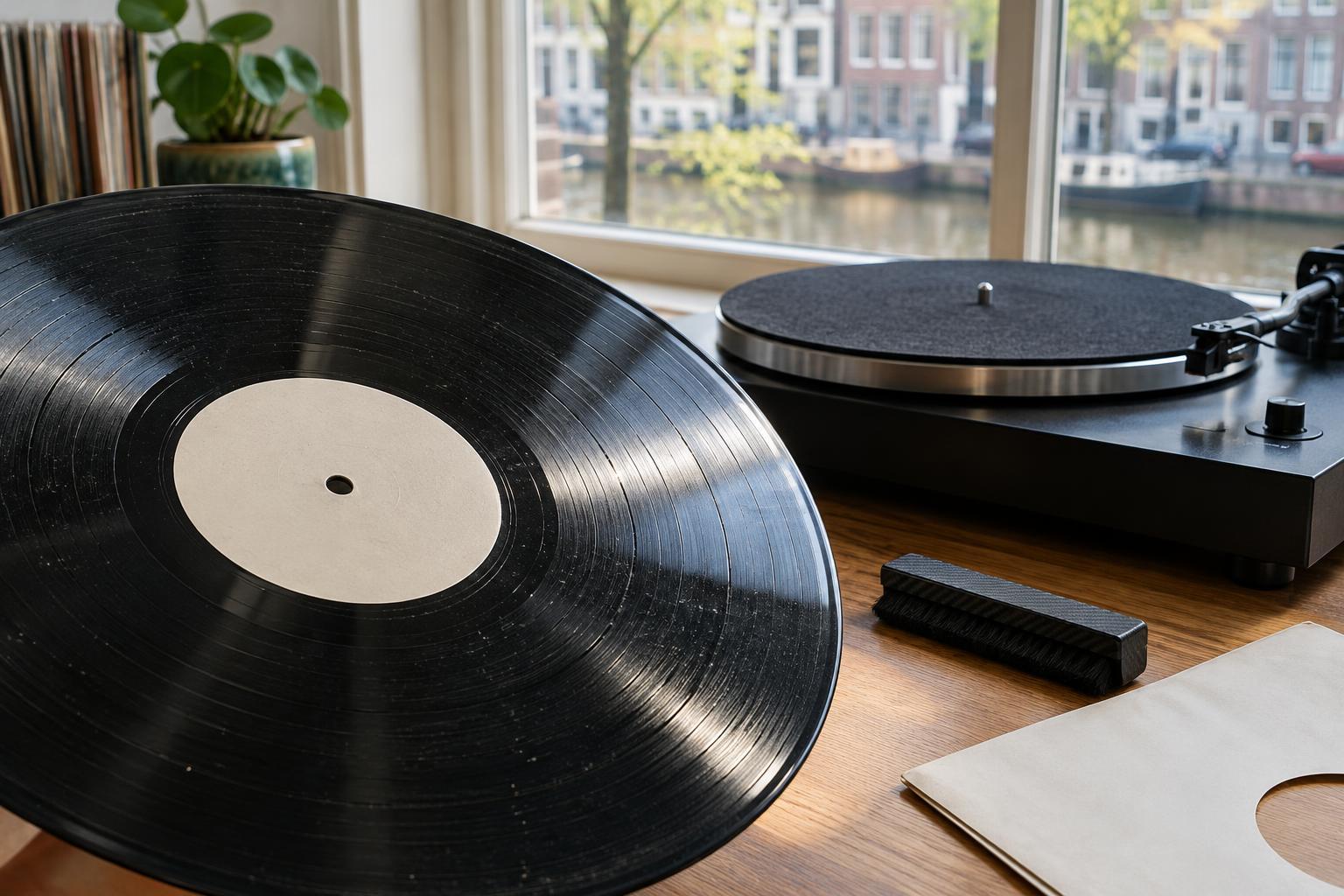
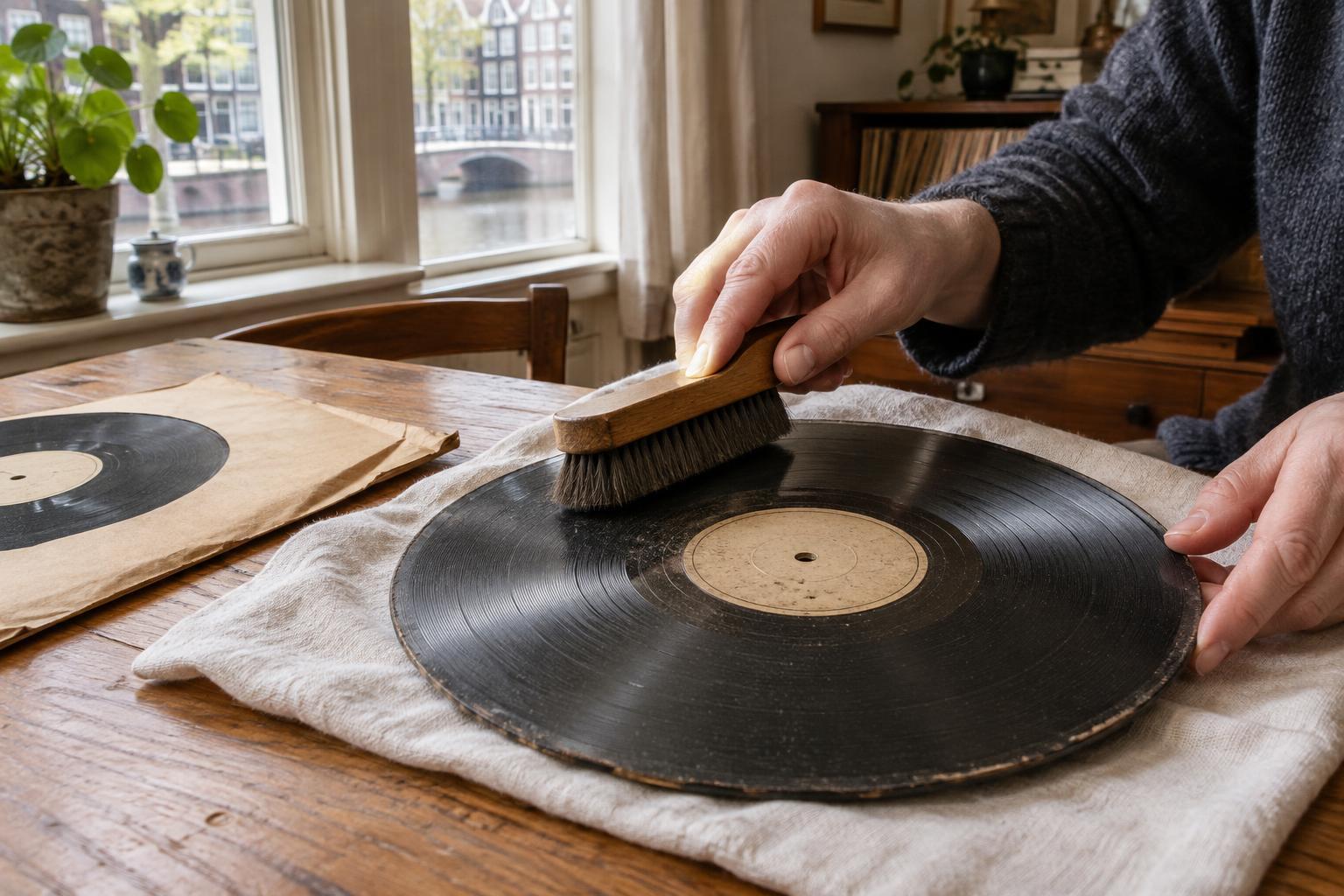
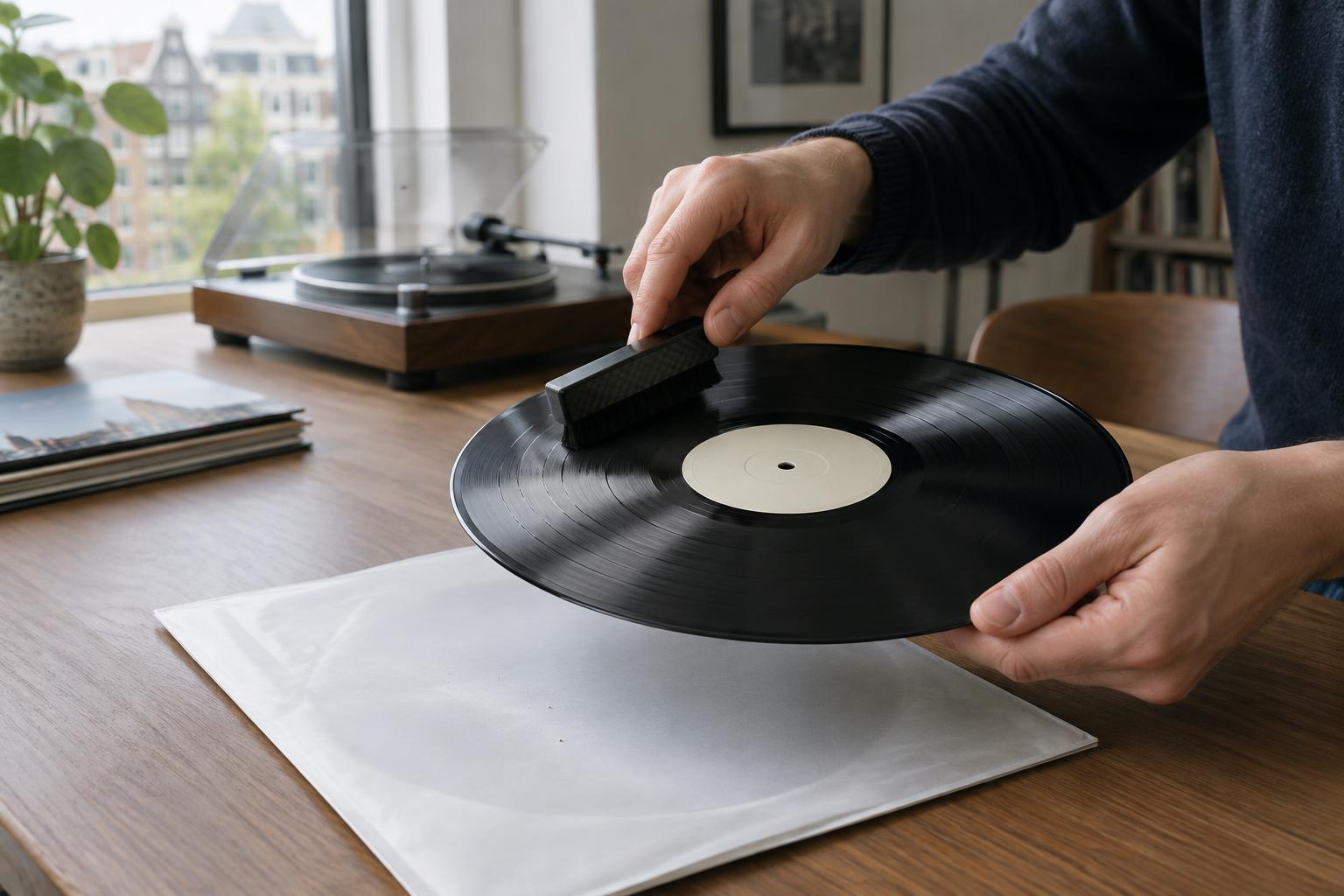
An anti-static record brush can help lift loose surface dust and may reduce some static. With the record turning, rest the brush lightly on the grooves for a revolution or two, then sweep it away toward the outside edge. Follow the brush maker’s instructions, since designs differ. The aim is to collect loose particles, not scrub the surface. If a particle will not move with a gentle pass, pressing harder is unlikely to be the safest answer.
Keep the brush itself clean and store it where it will not pick up grit. A dirty brush can return debris to the record. Avoid rubbing a record with an ordinary household cloth, tissue or clothing: these can shed fibres, drag particles across the surface or create more friction. Brush only a record that is properly supported, and stop if the tool catches or leaves visible marks.
Clean stubborn records carefully
Brushing is useful for loose dust, but it will not necessarily remove residue lodged in a groove. A suitable record-cleaning method may help when a record remains dirty or noisy. Choose products intended for vinyl records, follow their directions and test an unfamiliar method on a less-valued record first. Use only the amount of fluid the method calls for, and keep liquid away from the label unless the cleaning system is designed to protect it.
Let a wet-cleaned record dry fully before playback or sleeving it. Putting a damp record into a sleeve can trap moisture and residue against the surface. Avoid household window cleaners, abrasive pads and improvised mixtures whose ingredients you cannot assess. Cleaning is not a cure for scratches or pressing flaws, so repeated washing of a clean-looking record may add effort without addressing the source of the noise.
Choose sleeves and storage habits that create less friction
A clean, smooth inner sleeve made for records can make a practical difference if an old sleeve is rough, torn or shedding paper. After cleaning a record, consider replacing a visibly dusty or deteriorating inner sleeve; otherwise, the record may pick up the same debris as soon as you put it away. An outer sleeve protects the jacket, but it does not replace a suitable inner sleeve in contact with the disc.
Slide records in and out slowly rather than pulling them against the sleeve with force. Store them upright, with enough room to remove one without bending its neighbours. Keep the collection away from heat and direct sunlight, which present risks beyond static. In dry conditions, a comfortable, moderate level of room humidity may make static less troublesome; avoid trying to solve the problem by making the storage area damp.
Build a routine, then check the whole playback chain
Before each play, handle the record by its edges, inspect it and give it a gentle brush only if needed. Return it to a clean sleeve after listening. This modest routine is usually more useful than repeatedly treating every record with sprays or devices. If you use a dedicated anti-static device, follow its instructions and keep it clear of the stylus and other delicate turntable parts.
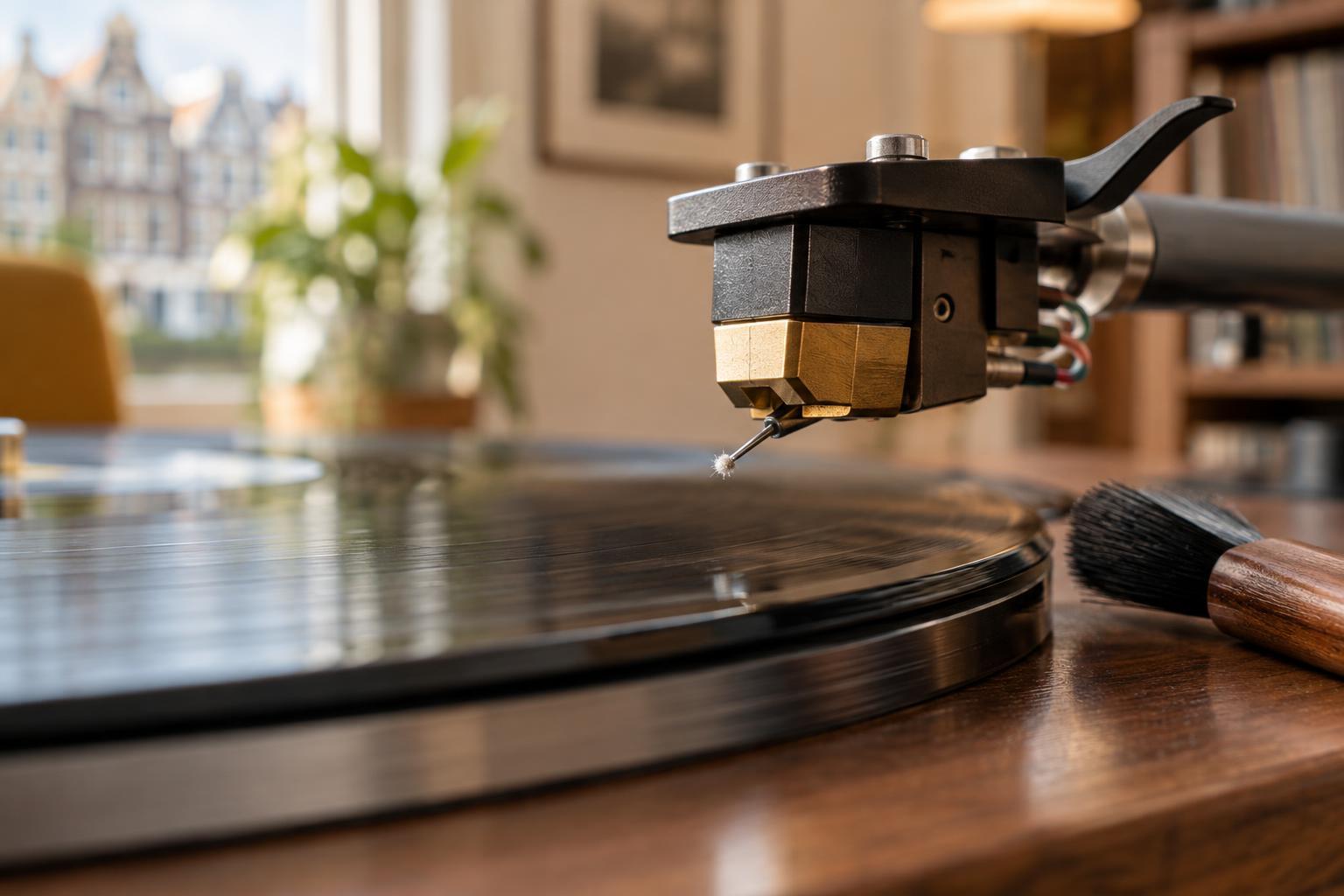
If crackle persists across many clean records, check the stylus and turntable setup as well. A dirty stylus needs care appropriate to that stylus; it should not be wiped casually with a record brush. Some apparent static problems may instead involve grounding or other playback equipment. Work through one possible cause at a time so you can tell what helped. The safest approach is simple: remove loose dust gently, limit friction, clean only when needed and protect the record once it is clean.