First, listen for a pattern
Before adjusting anything, note when the distortion happens. Is it present on every record or only one? Does it affect both speakers, or just one? Is it worst on loud vocals, bass notes or tracks near the label? These clues help separate a playback problem from a damaged or dirty record. Keep the volume moderate while testing so an unexpected burst of noise does not startle you.
Try a familiar, clean record that usually sounds good, then compare it with the record that prompted the question. If only one passage on one record sounds rough, inspect that disc first. Wear or damage in a groove cannot be fixed by changing turntable settings. If many records distort in similar ways, work through the checks below. Stop playback if the stylus skips repeatedly or appears to drag across the record: continuing could cause damage.
Check the record and stylus before changing settings
Dust and debris can make playback sound fuzzy or crackly, particularly on busy passages. Look at the record under a light and check for visible dirt or residue. Remove loose dust with a suitable record brush; if the disc needs a deeper clean, use a method and fluid intended for records and let it dry before playing. A clean-looking surface is not proof that every groove is clean, but comparing the sound before and after cleaning is useful.
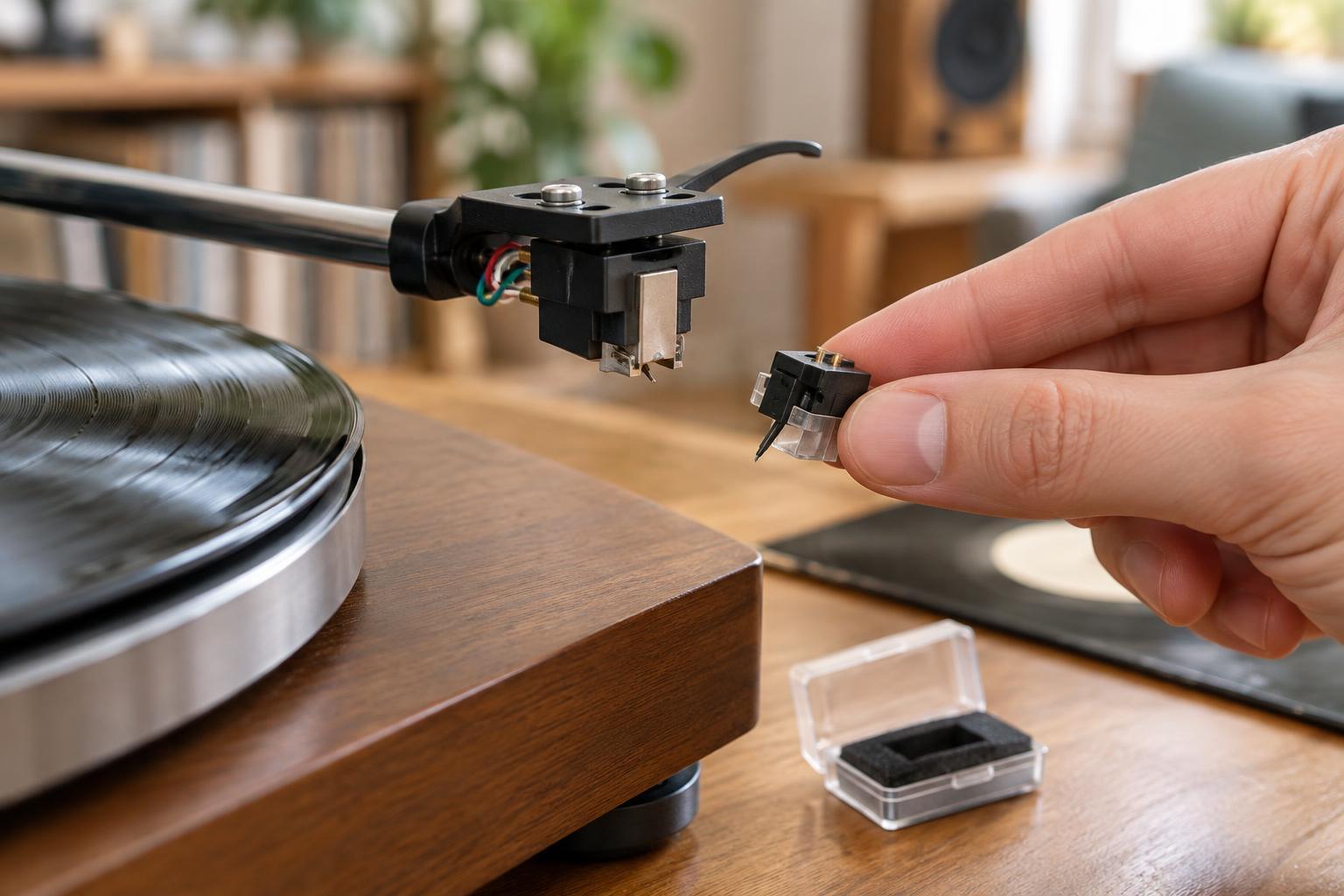
Next, inspect the stylus with the turntable off and the tonearm safely secured. A clump of lint on the tip can cause surprisingly severe distortion. Clean it gently with a stylus brush or product appropriate for your cartridge, following its instructions and avoiding sideways pressure on the delicate cantilever. If the stylus is bent, chipped, or of unknown age and plays poorly across several clean records, consider replacing it with the correct compatible model. Do not try to straighten a damaged cantilever.
Verify tracking force, alignment and anti-skate
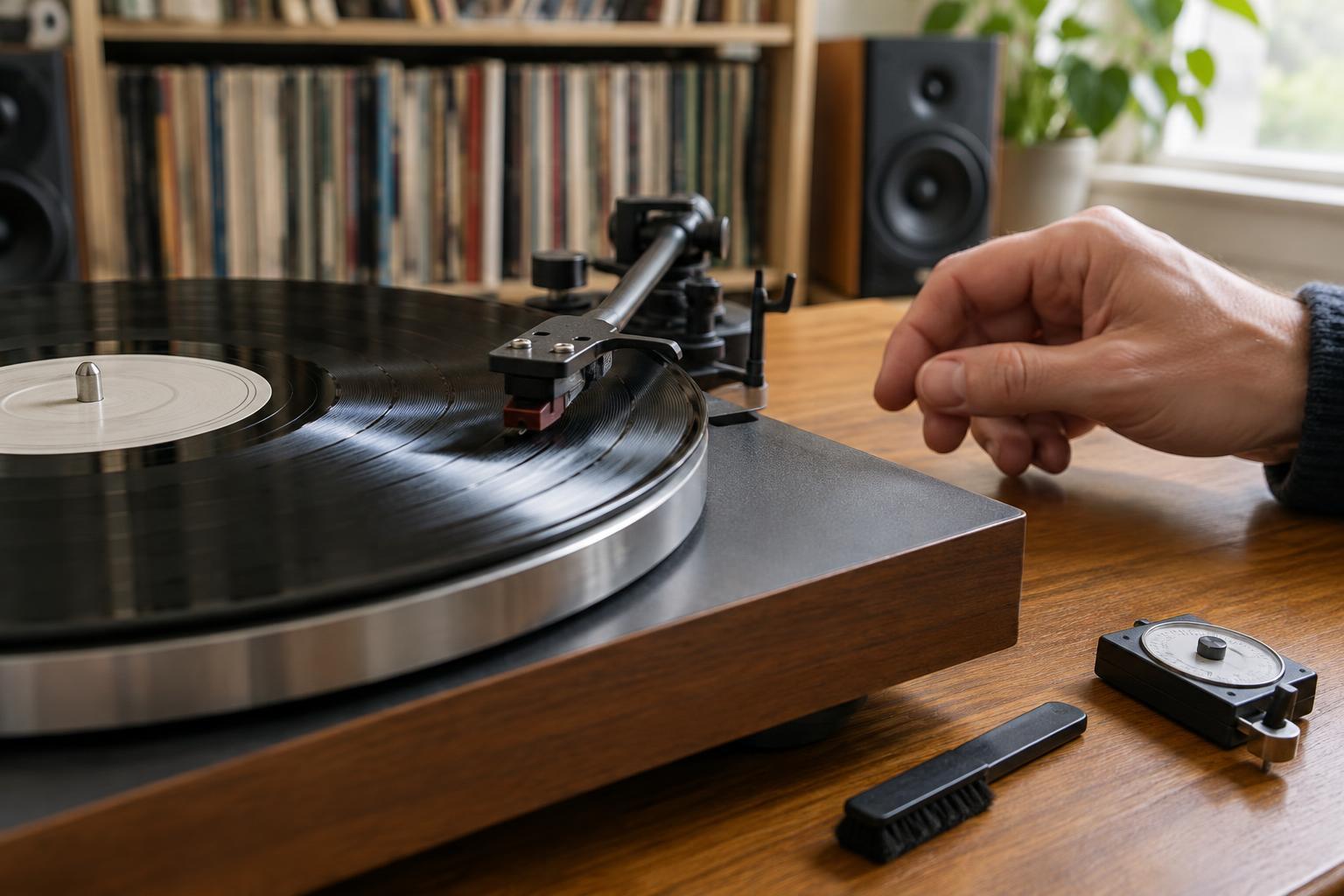
If the record and stylus are clean, check whether the cartridge is set up to track the groove properly. The correct tracking-force range comes from the cartridge or stylus manufacturer, not from a universal rule. With the turntable level, set the tonearm balance as its instructions describe, then verify the force at record height with a stylus-force gauge if you have one. Too little force can cause mistracking and may be harder on records than a properly set force. Avoid compensating for distortion by simply adding weight beyond the specified range.
A misaligned cartridge may sound increasingly strained toward the inner grooves. If your turntable allows cartridge adjustment, use a suitable alignment guide for its tonearm and check that the cartridge is securely mounted. Set anti-skate according to the turntable’s guidance, usually as a starting point rather than a cure-all. Make one change at a time and replay the same short passage after each adjustment; otherwise, it is difficult to tell what helped.
Trace the signal from turntable to speakers
Distortion does not always begin at the needle. A turntable’s phono signal needs phono amplification, but it should generally pass through only one phono stage. Check whether your turntable has a built-in phono preamp and whether it is switched on. If you connect that output to an amplifier’s PHONO input, you may be amplifying and equalizing the signal twice, producing an unusually loud, muddy or overloaded sound. A turntable set to line output normally connects to a line-level input; a turntable set to phono output needs a phono input or an external phono preamp.
Make sure plugs are fully seated and that the cartridge type suits the phono input or preamp in use. If distortion appears only at higher listening volumes, turn the volume down and compare: the amplifier or speakers may be struggling rather than the turntable. A problem confined to one speaker also makes it worth checking connections and, if practical, testing another input on the amplifier.
Know what adjustments cannot fix
Some distortion is tied to a particular pressing or to groove wear from earlier playback. Inner-groove passages can be demanding because the groove travels past the stylus more slowly near the label; careful setup may reduce mistracking, but it will not restore worn grooves. Likewise, an occasional pop is different from sustained fuzzy vocals or a harsh, splattering sound.
If you have cleaned the record and stylus, confirmed the recommended settings and checked the signal path, avoid endlessly readjusting the tonearm. Write down what you tested and on which records the problem occurs. That makes it easier to identify whether the next sensible step is a replacement stylus, a closer cartridge setup check or help from someone experienced with your particular turntable.